Fitting Room for iPhone Coming soon.
Pick a real piece of clothing. See it on a photo of yourself. Buy that size from the store that sells it.
Not in the App Store yet.
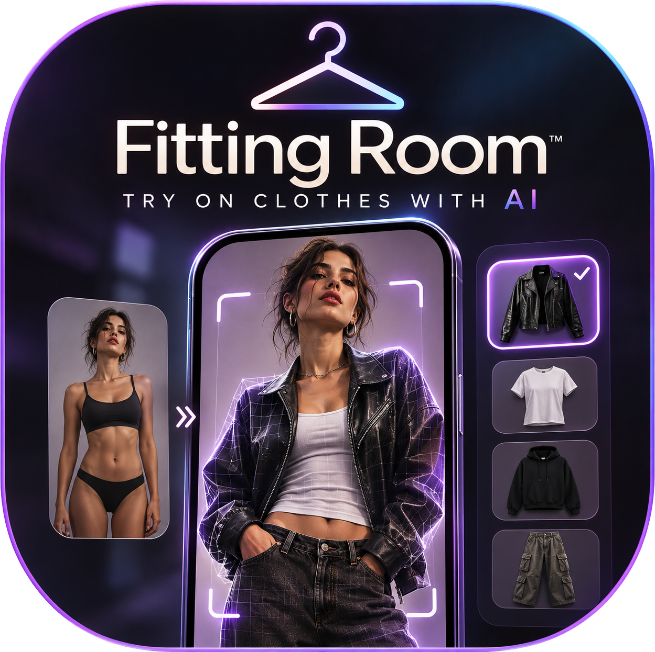
The clothes are already for sale.
Fitting Room does not sell its own line. You search clothes a store already lists. The preview is a picture of that piece on you. The buy button opens the seller’s page for the size you picked.
-
Search
Dresses, tops, sweaters, jackets, pants, and jeans. Each result keeps the photos, the price, the sizes in stock, and a checkout link for that size.
-
Choose
Pick a garment and a size from the ones you can actually buy. Save anything you want to come back to.
-
Try it on
Add one photo of yourself and confirm you are 18 or older. The preview comes back in about ten seconds.
-
Buy
Buy opens the seller’s site for that exact size. Payment, shipping, and returns stay with the seller.
The preview is a picture, not a fit guarantee. Fit comes from the size you pick.
One photo. Gone in a day.
One clear photo of you, standing, with your whole outfit in view. Nothing is asked for until you try something on.
- You confirm you are 18 or older, and that the photo is of you.
- It is sent to make the preview, then deleted after a day. You can delete it sooner in the app.
- It is not used for advertising, and it is not sold. Privacy policy.
Coming soon to the App Store.
For iPhone. Not available to download yet.